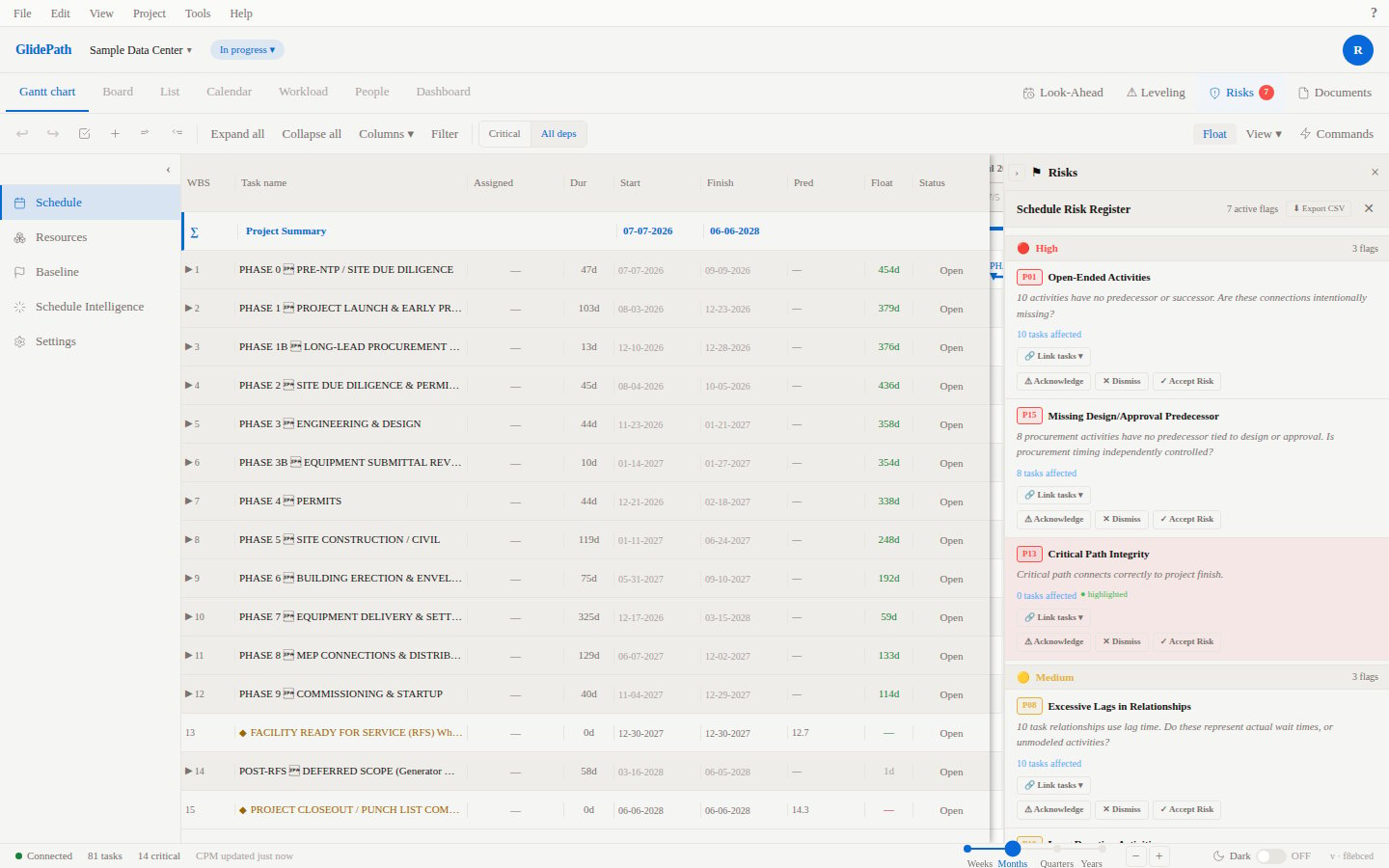
Risk Register
The Risk Register provides a systematic way to identify, assess, and track project risks throughout the lifecycle.Feature Spec Reference
Module 10 — Risk RegisterRisk Register View
The register displays:- Risk ID: Unique identifier
- Risk Description: What could go wrong
- Category: Type of risk (schedule, cost, resource, technical, external)
- Probability: Low (L), Medium (M), High (H)
- Impact: Low (L), Medium (M), High (H)
- Risk Score: Probability × Impact (determines priority)
- Status: Identified, Mitigated, Closed
- Mitigation Task: Linked task(s) to reduce risk
- Owner: Person responsible for managing the risk
Creating Risks
- Open Risk Register tab
- Click + New Risk
- Fill in:
- Description: What could go wrong (e.g., “Weather delay impacts foundation work”)
- Category: Schedule, Cost, Resource, Technical, External
- Probability: L / M / H
- Impact: L / M / H
- Click Save
Assessing Risks
Probability × Impact Matrix
Yellow = Medium priority (monitor closely)
Red = High priority (address immediately)
Mitigation Tasks
Link tasks to risks to show how you’re addressing them:- Select a risk
- Click + Link Mitigation Task
- Select or create a task
- Task appears on the Gantt chart with risk association
Risk Status Tracking
As mitigation work progresses, update risk status:- Identified: Risk is known but not yet addressed
- Mitigated: Mitigation task is underway (reduces probability/impact)
- Closed: Risk is no longer a concern; mitigation complete
Screenshot