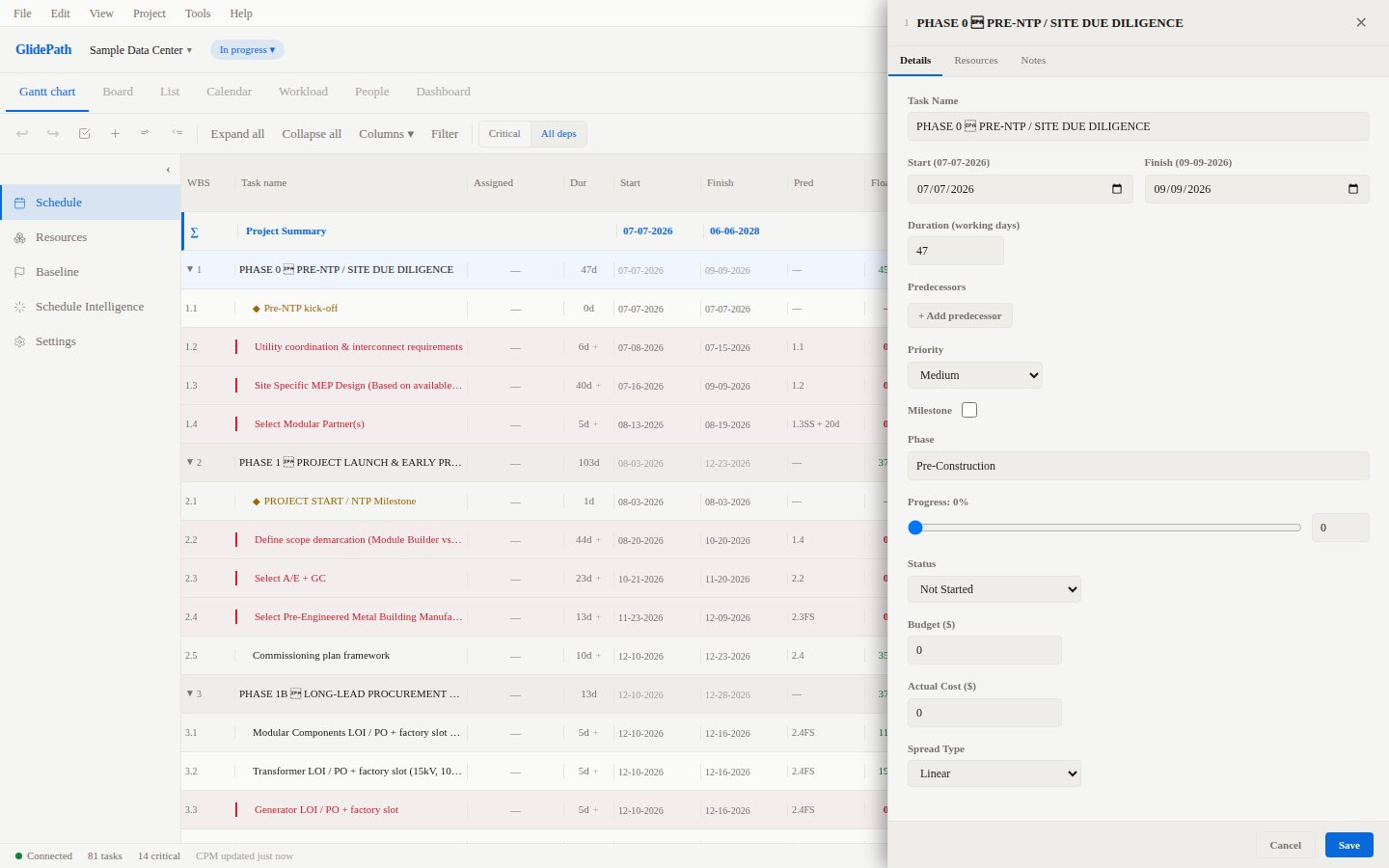
Creating Dependencies
GlidePath lets you create dependencies through the right-click context menu. The dependency picker gives you full control over relationship type and lag/lead.Feature Spec Reference
Module 4.4 — Add and Remove DependenciesMethod: Right-Click Context Menu
- Right-click on any task row in the Gantt chart
- Select Add / Edit Dependency
- The dependency picker dialog opens
- Select the predecessor task from the task list
- Choose the relationship type (FS, SS, FF, or SF)
- Enter a lag value if needed (positive for delay, negative for lead)
- Click Save
The Dependency Picker Dialog
The picker displays all tasks in your project. You can:- Search by name to quickly find a predecessor
- Filter by WBS level to stay within a phase
- See existing predecessors highlighted in the list
Fields in the Picker
Editing an Existing Dependency
To change a dependency that already exists:- Right-click the successor task
- Select Add / Edit Dependency
- Find the existing predecessor in the list (it will be shown as already linked)
- Change the type or lag as needed
- Click Save
Removing a Dependency
From the Dependency Picker
- Open the picker on the successor task
- Find the predecessor in the linked list
- Click the Remove (x) button next to it
- Click Save
By Clicking the Dependency Line
- Click the dependency line drawn on the Gantt chart
- A small popup appears with an option to Delete
- Click Delete to remove the link
Bulk Dependencies via Import
When importing from CSV, MS Project XML, or P6 XER, dependencies are imported automatically from the source file. The Predecessors column in CSV format accepts multiple predecessors separated by semicolons:Circular Dependency Prevention
GlidePath automatically detects circular dependency chains. If adding a dependency would create a loop (A depends on B, B depends on A), the system:- Rejects the dependency with an error message
- Highlights the conflicting tasks
- Suggests which link to remove to resolve the cycle
Screenshot