Organizing Tasks with WBS
Feature Spec Reference
Module 2.1 (auto-WBS), Module 2.5 (indent/outdent)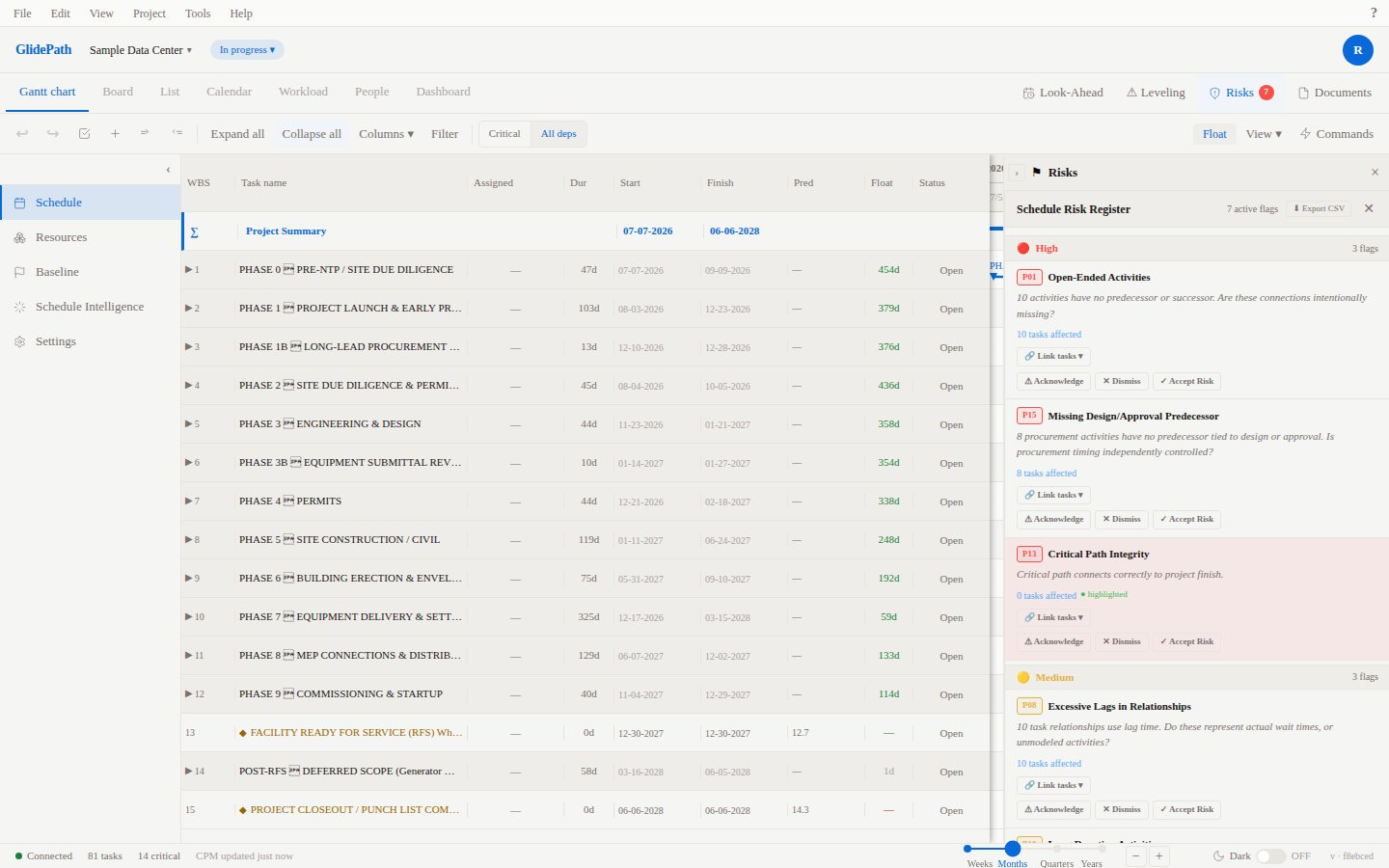
Work Breakdown Structure (WBS)
The WBS is a hierarchical decomposition of your project into manageable work packages. GlidePath automatically assigns WBS numbers based on task hierarchy.WBS Numbering
- Level 1 (Top-level): 1, 2, 3, etc.
- Level 2 (Children): 1.1, 1.2, 1.3, etc.
- Level 3 (Grandchildren): 1.1.1, 1.1.2, etc.
Creating Hierarchy
Use Tab to indent (create child) or Shift+Tab to outdent (promote to parent):- Create a task (e.g., “Phase 1 Design”)
- Create child tasks below it
- Select a child task and press Tab to indent
- WBS numbers auto-update
Summary Tasks
When a task has children, it becomes a summary task:- Dates auto-roll-up from children (start = earliest child, finish = latest child)
- Duration = span from earliest to latest child
- Cannot edit dates directly — hierarchy controls them
Before and After
Best Practices
- Use 2–4 levels maximum — Deep hierarchies are hard to navigate
- Use consistent naming — Follow a pattern (Phase, Activity, Task)
- Group related work — Keep similar tasks under the same parent
- Create summary milestones — Indicate phase completions at the parent level